Inventory availability before you commit the show
Compare required vs available stock across branches, fill gaps with vendor or float, and lock gear before load-out.
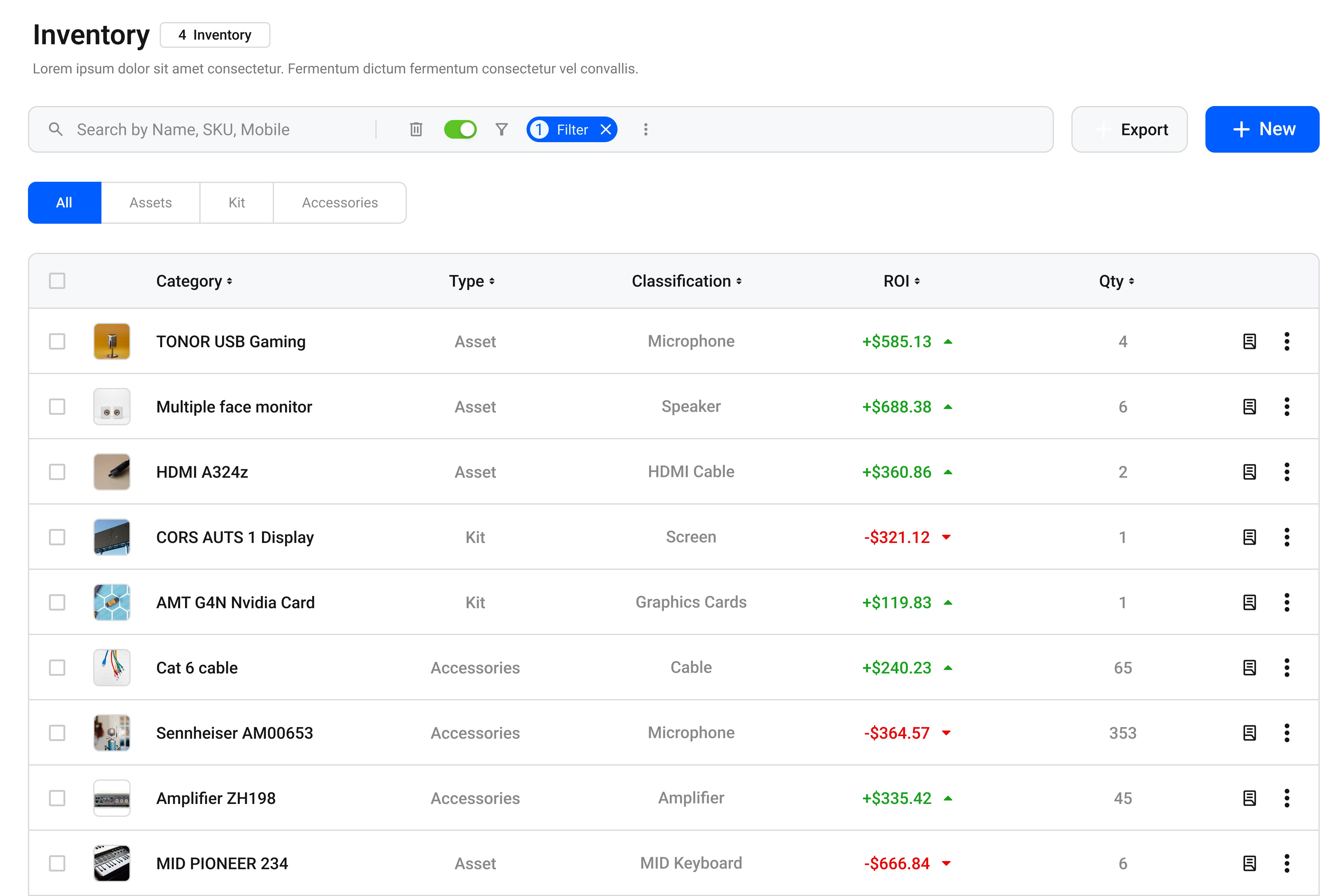
Know what you can fulfill
Availability check
See conflicts early so you do not overbook LED, audio, or staging packages.
Products & packages
Track individual items and kits the same way your warehouse picks them.
Multi-branch
Pull stock from the right branch—or spot when you need to transfer.
Vendor fill
Cover shortages with cross-hire so the quote stays sellable.
Lock before load-out
Reserve what the show needs so another job cannot steal the same gear.
Warehouse clarity
Give shop and ops one view of what is free for the show dates.
Protect every show from overbooks
Required vs available
Run availability against the quote line by line. Shortages and conflicts surface before the client signs—so you fix fill plans early instead of discovering gaps at load-out.
Required vs available
Branch and vendor options
Cover gaps from another branch, float pool, or vendor PO without rebuilding the plan in chat. Each fill option stays linked to the same show and quote lines.
Branch and vendor options
Ready for pick
Once gear is locked, it flows into pick lists and allocations so the truck matches what you sold—warehouse works from the committed plan, not a last-minute export.
Ready for pick
Pick list ready
14 items locked for Summer Launch
“BatterOps is our ops cheat-code—accurate quotes from live inventory, without the spreadsheet scramble.”

Keep exploring BatterOps
Quotations
Pull gear and services from your catalog, adjust rates inline, and send versioned proposals that match what you can fulfill.
Crew
Fill every role with call times in view—so load-in, show call, and strike stay staffed.
Invoicing
Create POs for cross-hires, then invoice from the quote so billing matches what you sold.
BATTEROPS